Contract RAM: Powering Your WAX NFT Contracts
On WAX, contract storage is backed by RAM. Deposit WAX so your drop, blend, and pack contracts have the memory they need.
On WAX, contract state (active drops, whitelist databases, blend registers) is stored in RAM. Your contracts must have RAM allocated before they can host these operations. MintyStudio uses separate contracts for the Drop, Blend, and Pack systems.
Step by step
- 1
Deposit RAM
Transfer WAX into the contract. The contract automatically uses that WAX to buy system RAM on-chain for your account.
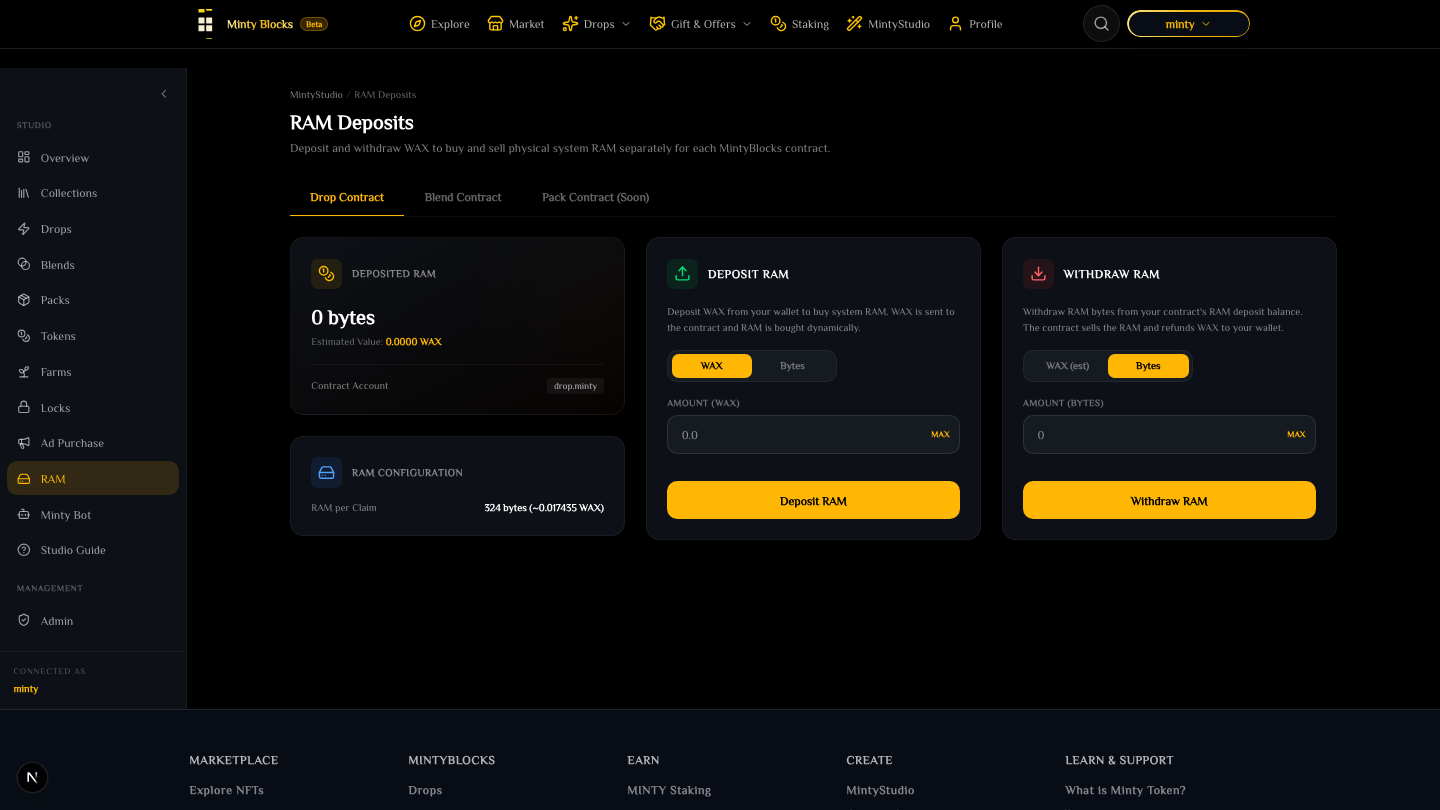
RAM deposits dashboard— tap to enlarge - 2
Allocation & claims
Initializing a drop or blend recipe allocates a portion of your deposited RAM to store its config. Each claim/craft then consumes a small amount of RAM (e.g. ~100 bytes per claim) to track counts and update contract state.
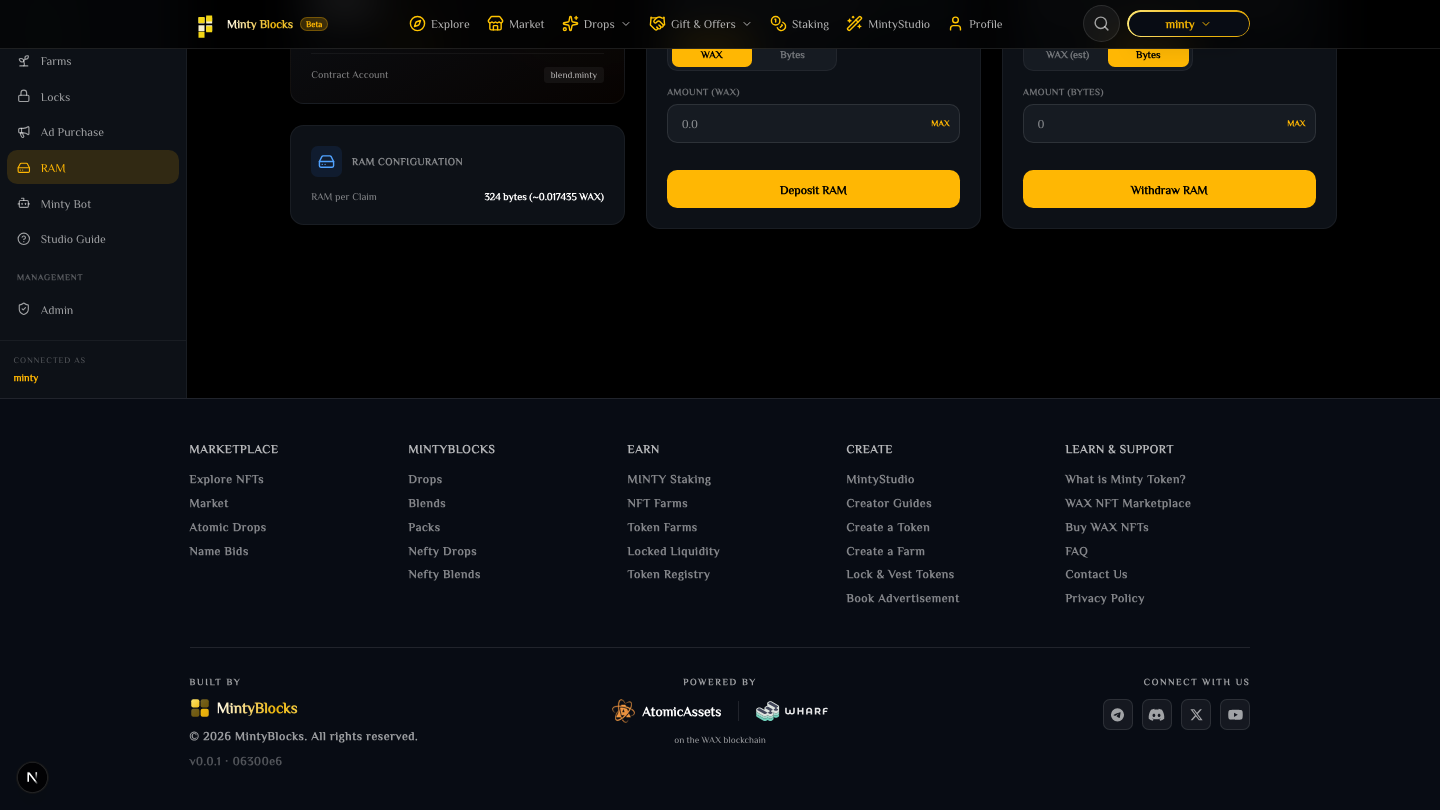
The RAM panel showing what each contract has allocated and what remains available— tap to enlarge - 3
Withdraw RAM
When a drop or blend concludes and is cleared, its storage is released — you can withdraw the unallocated RAM back to your wallet.
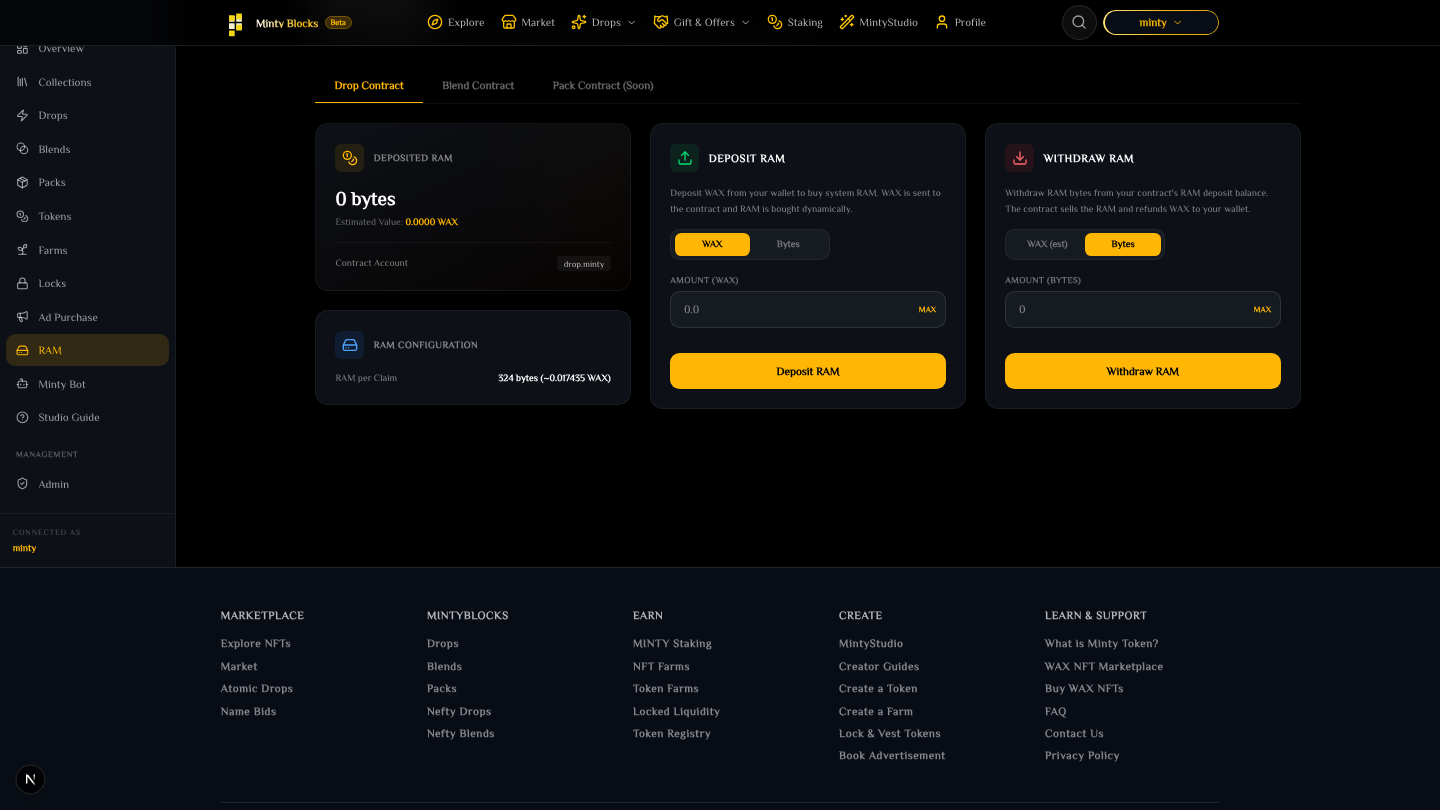
The withdraw form for reclaiming RAM no longer held by a contract— tap to enlarge
Plan ahead
A drop or blend that runs out of RAM will stop accepting claims. Keep a buffer above your expected claim volume, and check the RAM Health gauges on the Studio overview.
Ready to try it?
Open MintyStudio and start building on WAX.
Looking for general questions instead? Visit the MintyBlocks FAQ · All MintyStudio guides