How to Feature Your Farm on the Homepage
Put your farm in front of every visitor for a date range you choose.
Featured placement promotes your farm on the MintyBlocks homepage for a period you book. Slots are limited and booked per date range, so availability is checked before you pay.
Step by step
- 1
Open the Featured tab
MintyStudio → FARMS → FEATURED. Pick the farm you want to promote. ONLY FARMS YOU CREATED AND THAT HAVE NOT ENDED are listed, so if a farm is missing here, check its end date has not already passed — and fund it first, because featuring an unfunded farm sends people to a farm paying nothing.
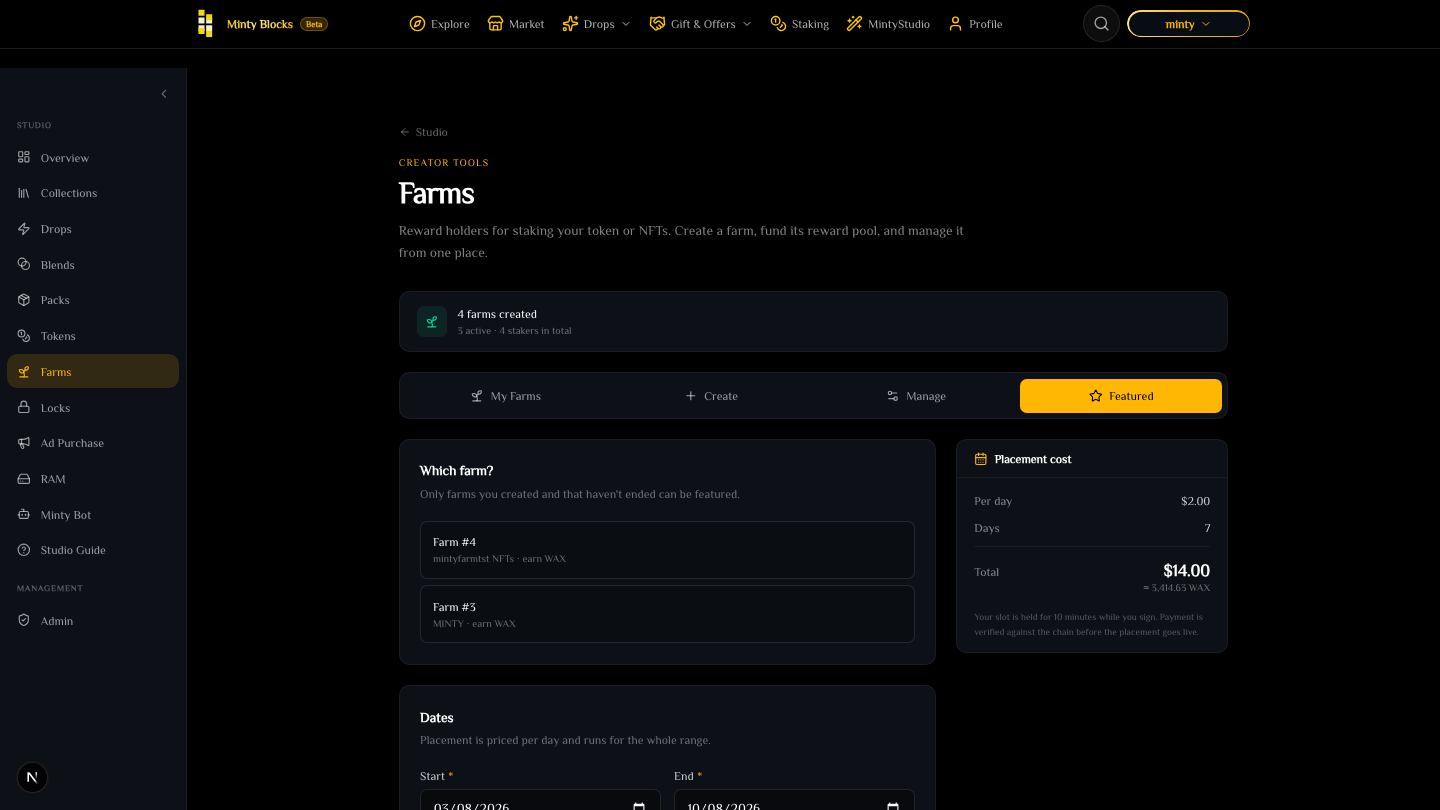
The Featured tab with the farm picker listing only farms created by this account— tap to enlarge - 2
Choose your dates
Select a START and END date. Placement is priced PER DAY and runs for the whole range, so a seven-day booking costs seven days whether or not anyone stakes in that time.
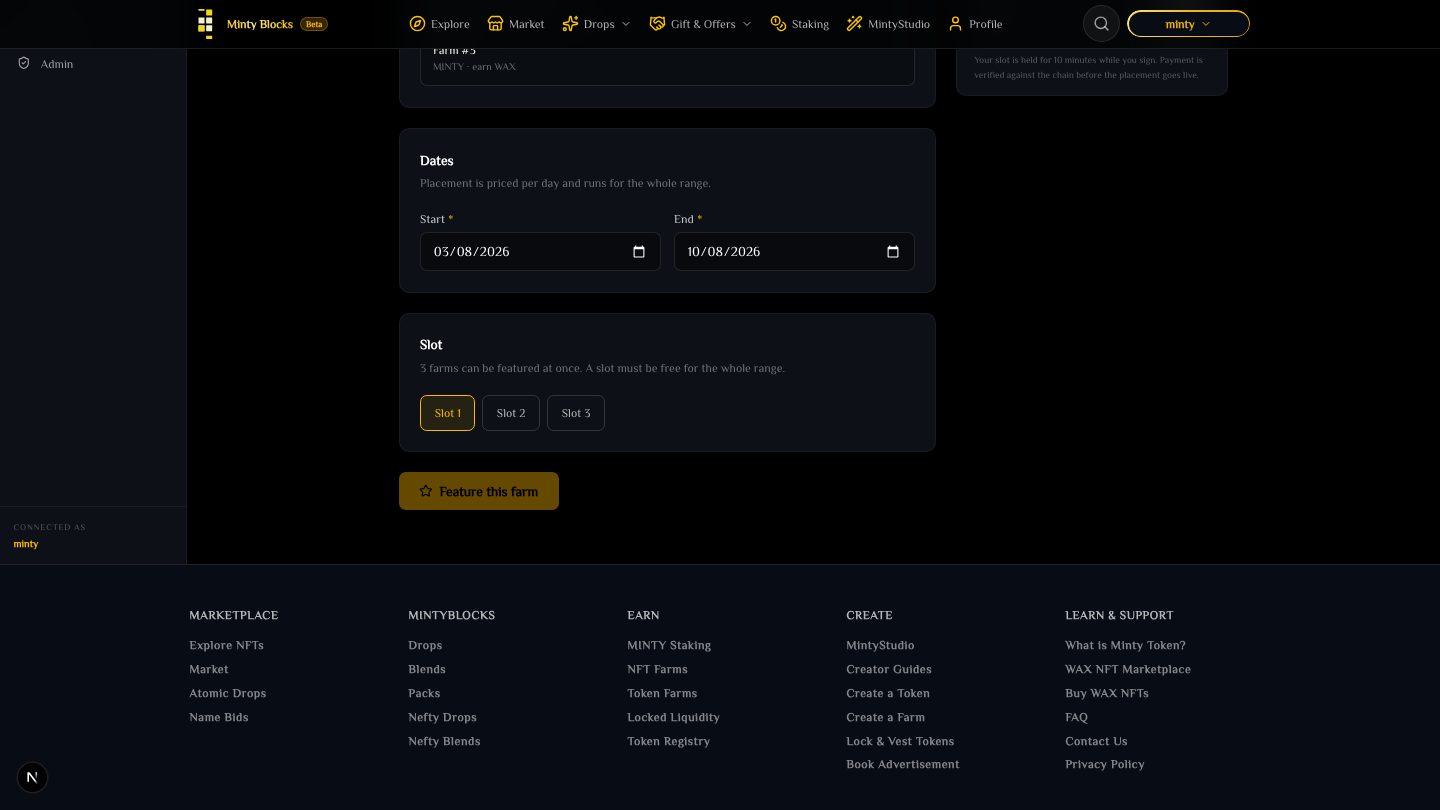
Start and end date fields for the placement range— tap to enlarge - 3
Check the price and pick a free slot
The PLACEMENT COST panel shows the per-day price, the number of days, and the total in US dollars with the equivalent WAX beneath it. THE DOLLAR FIGURE IS THE FIXED ONE — the WAX amount is converted at the live oracle rate and will differ between visits. Your MINTY staking tier discounts it, like every other creator fee. There are THREE slots, and a slot must be free for the ENTIRE range: if one is taken for a single day in the middle, that slot cannot take your booking at all, so try another slot or shift your dates.
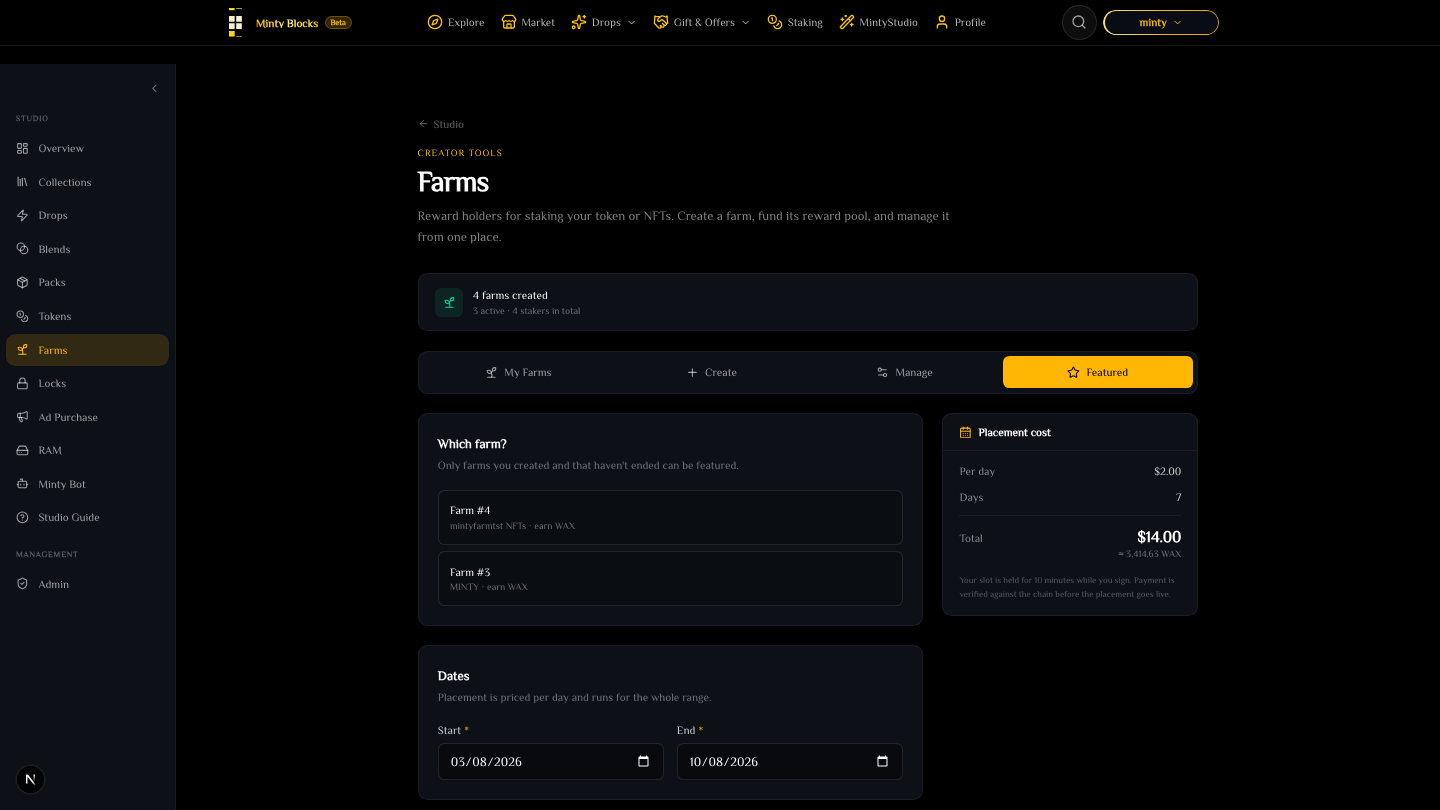
The Placement cost panel showing per-day price, day count, dollar total and the converted WAX amount— tap to enlarge - 4
Pay and confirm
Sign the payment. YOUR SLOT IS HELD FOR TEN MINUTES WHILE YOU SIGN — the payment is verified against the chain before the placement goes live, so the booking is confirmed by the transfer landing rather than by the click. Leave the wallet prompt sitting and the hold lapses and the slot returns to whoever books it next. Once live, the placement starts at your start date and ends automatically; there is nothing to cancel or renew.
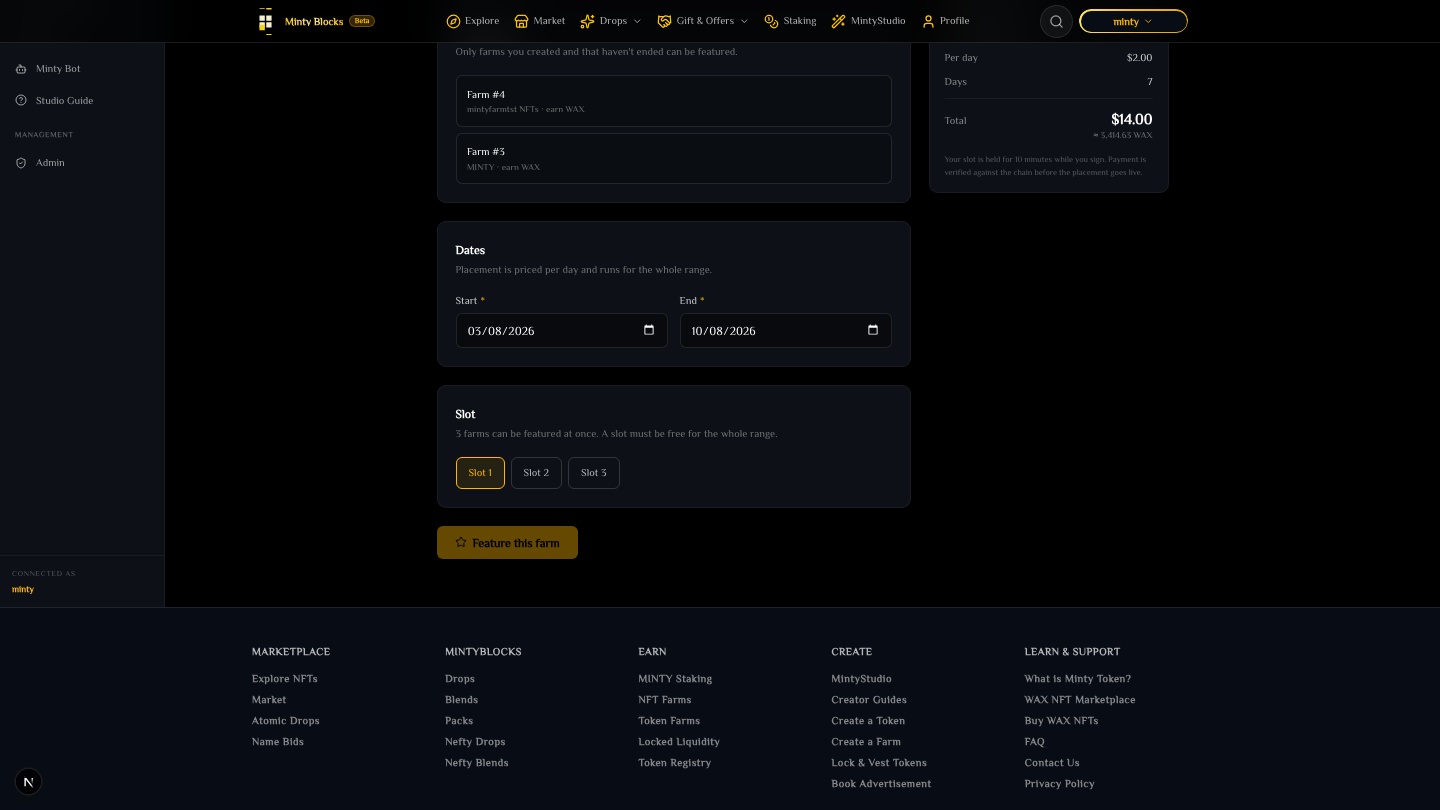
The confirmation state after signing the placement payment— tap to enlarge
Book early for busy periods
Three slots, booked by date range. If your farm launch depends on the placement, book the range before you announce it.
Fund the farm first
Featuring is promotion, not funding. A farm that still shows "Awaiting funding" pays nothing, and paying to put it in front of people is the most expensive way to advertise an empty pool.
Ready to try it?
Open MintyStudio and start building on WAX.
Related guides
Looking for general questions instead? Visit the MintyBlocks FAQ · All MintyStudio guides