How to Create NFT Templates on WAX
Templates are blueprints for your NFTs — lock shared attributes once, then mint identical tokens from them.
A template is a blueprint for a final NFT. Instead of re-entering identical metadata for each token, you lock standard attributes in a template and every NFT minted from it inherits those details automatically.
Key settings: Max Supply (the absolute cap — 0 or blank for unlimited), Transferable (turn off for soulbound tokens), and Burnable (whether owners can destroy the NFT — required for crafting/blends).
Step by step
- 1
Open the template wizard
From the collection Templates tab (or a specific schema’s detail view), click + New Template.
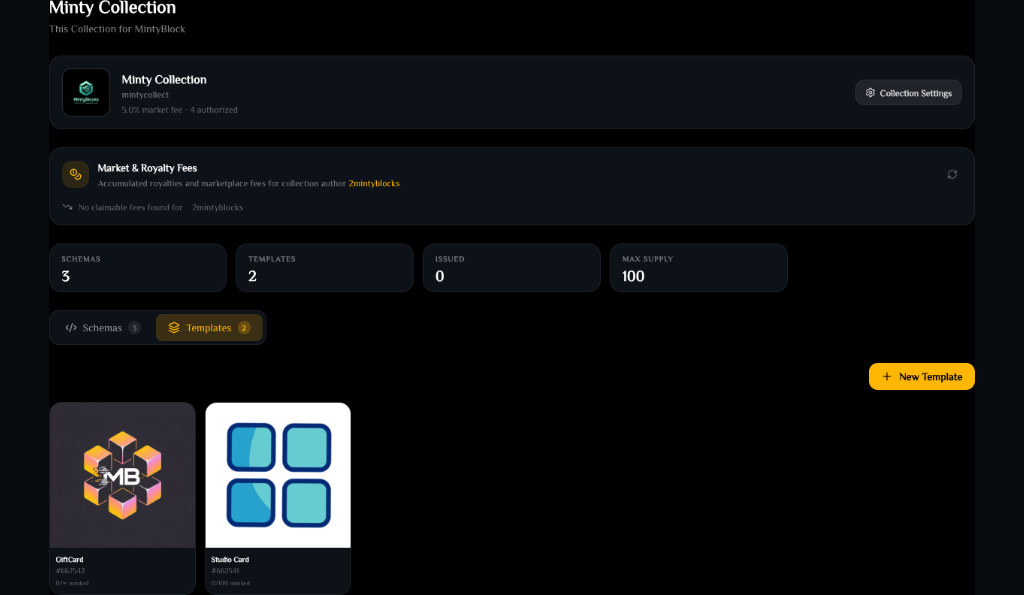
Template list— tap to enlarge - 2
Schema & supply
Confirm the schema and set the Max Supply limit (0 or blank for unlimited).
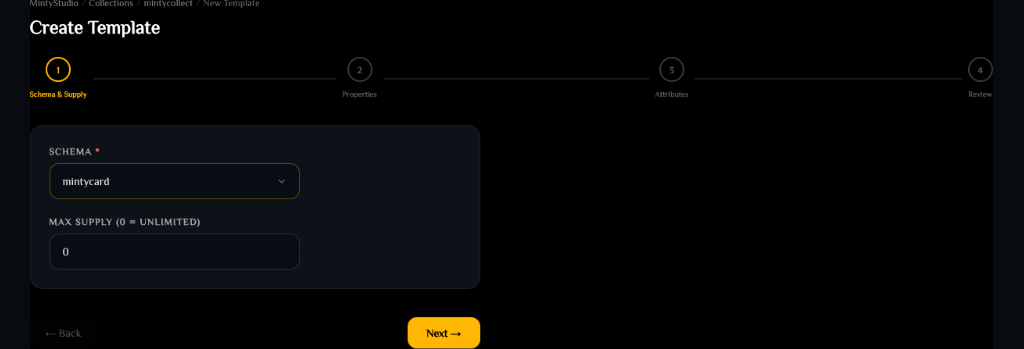
Template step 1: schema and supply— tap to enlarge - 3
Properties
Set Transferable and Burnable. Disabling Transferable makes NFTs soulbound to the minting wallet; disabling Burnable prevents them from being destroyed.
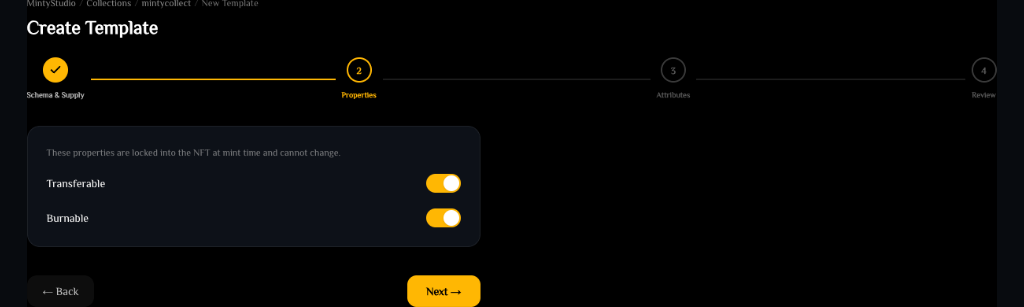
Template step 2: properties— tap to enlarge - 4
Attributes
Fill in the schema attribute values (name, image hash, description, etc.). You can upload a new image directly to IPFS.
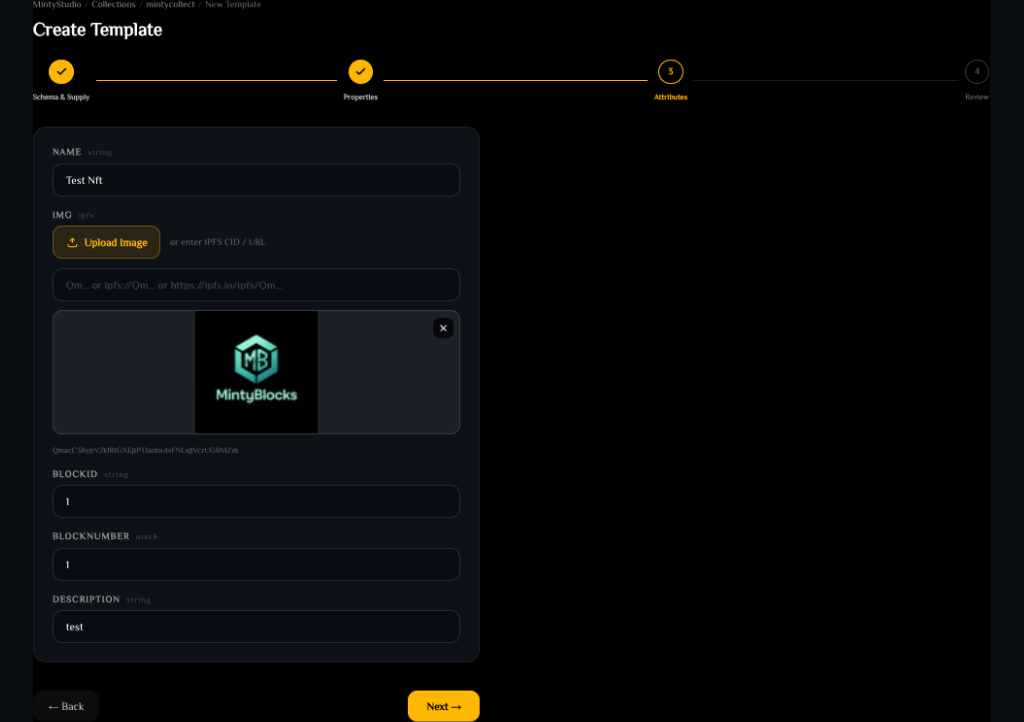
Template step 3: attributes— tap to enlarge - 5
Review & create
Verify supply, toggles, and metadata, then click Create Template to deploy it on-chain.
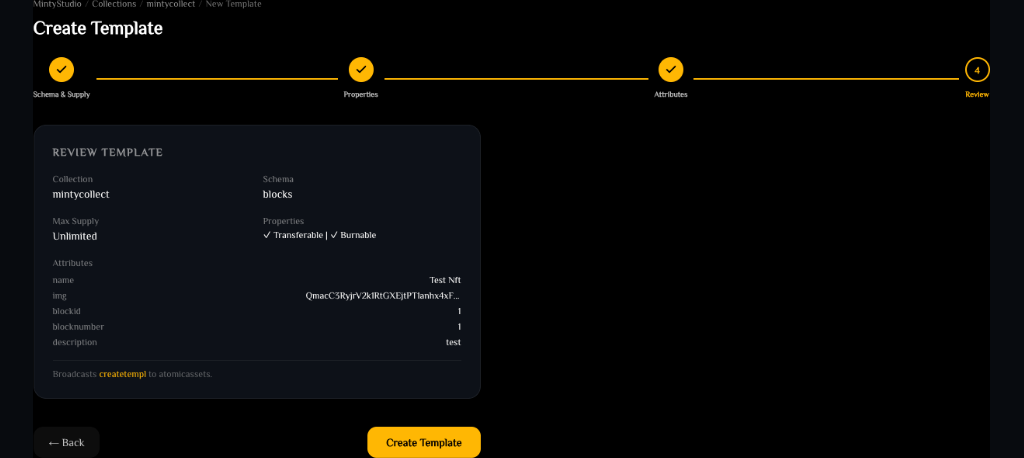
Template step 4: review and deploy— tap to enlarge
Minting and locking
A new template starts unlocked — mint NFTs from it (open the template and click Mint NFT, then enter the recipient WAX account). When you Lock the template on-chain, no more NFTs can ever be minted from it, freezing its final supply.
Ready to try it?
Open MintyStudio and start building on WAX.
Related guides
Looking for general questions instead? Visit the MintyBlocks FAQ · All MintyStudio guides